
Construction · RFI and QA/QC drafts
Find the conflicts before the field does, drafted as RFIs with receipts.
Pick a section and SpecLens reads it across the spec, addenda, contract clauses and drawing schedules, lists what disagrees or is missing, and drafts each finding as an RFI. QA/QC checklists come from the same passages. Every draft cites its sources and waits for your approval.
Available today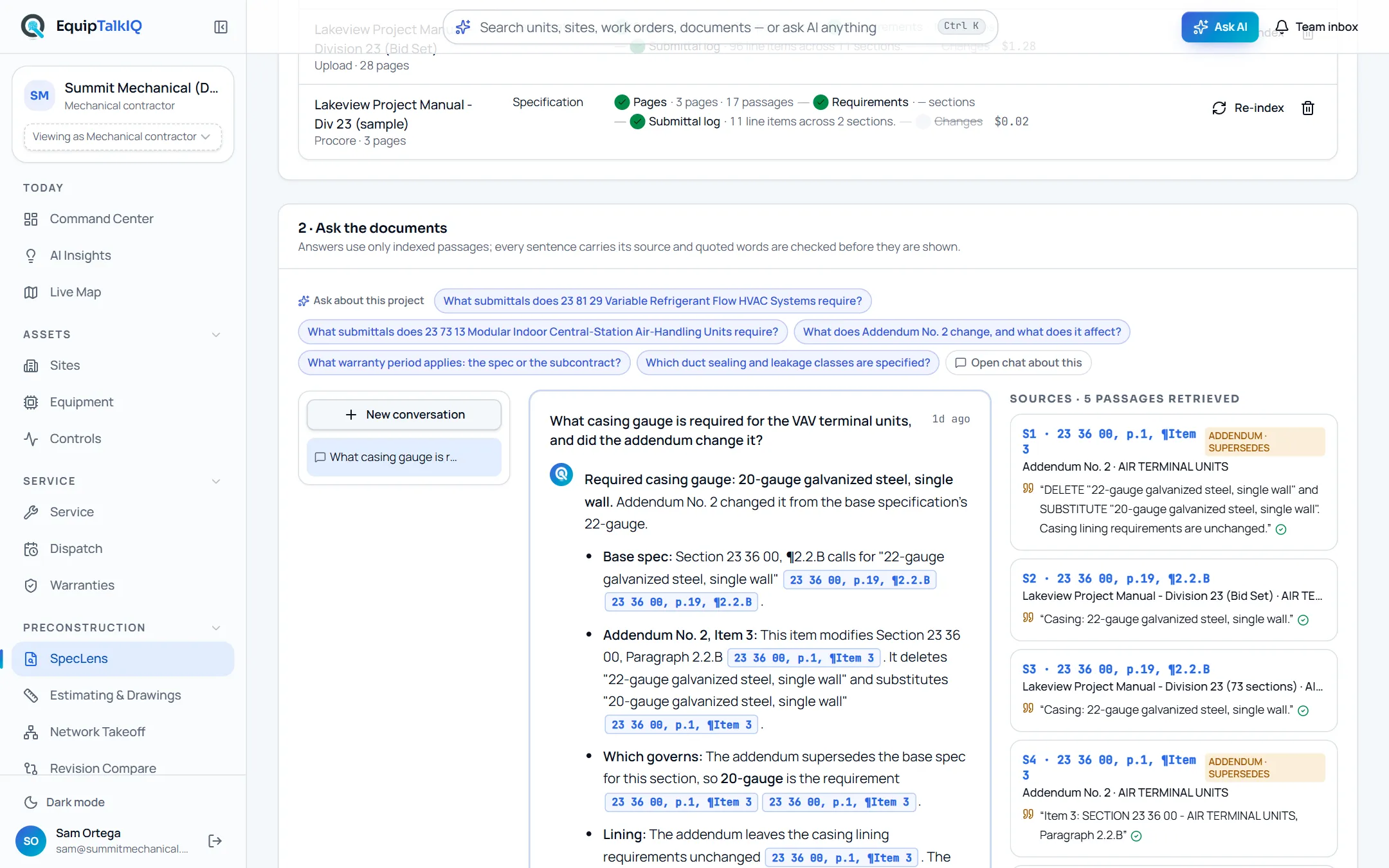
What changes
Today
- Conflicts between the spec, the schedules and the contract surface in the field.
- RFIs are written from memory, without the paragraph that raised them.
- QA/QC checklists are copied from the last job.
With EquipTalkIQ
- One section is read across every source, and each conflict or gap is listed.
- Each finding becomes an RFI draft that quotes the passages it rests on.
- QA/QC checklists come from the section itself, with the paragraph behind each step.
How it works
4 steps, in the app as it ships.
Find conflicts and gaps
Find conflicts and gaps · FindChoose a section. SpecLens reads it across the newest spec, its addenda, the contract clauses that match it and any drawing schedules on file, and lists each conflict, gap or ambiguity with its citations, a question and, where it has one, a proposed resolution.
Draft the RFI
Draft RFITurn a finding into an RFI draft in one click, or type any question under “Draft an RFI about…”. The draft quotes the passages it rests on and says when the documents already settle the question.
Draft a QA/QC checklist
QA/QC checklist from a section · DraftReceiving, installation, startup, testing and closeout steps, each with its acceptance criterion and the paragraph that requires it.
Review, edit, approve
Edit · Approve · DiscardEvery draft opens marked as an AI draft to check against its citations. Edit it, approve it or discard it. Approved drafts copy as text or download as .md for your RFI log or QA plan.
Receipts
What you can check for yourself.
Citations on every statement
Drafts keep their source markers with verified quotes. Click one to open the page at the paragraph.
Citations · n under each draftNo second AI pass
An RFI drafted from a finding is built from the finding as you read it, so what you reviewed is what lands in the draft.
Draft RFI on each findingDrafts stay drafts
Nothing is approved until a person presses Approve, and the draft says to check every statement against its citation first.
“AI draft: review every statement against its citation before approving”Measured cost
In our tests an RFI draft cost about 6 cents, one section’s conflict read 17 cents and a QA/QC checklist about 13 cents. Every call is metered.
The AI usage pageWhat it won’t do
- Send an RFI to anyone: approved drafts go into your own RFI log.
- Approve its own drafts.
- Read drawing geometry: only equipment schedules already read from the drawings are compared.
Every AI answer, finding and draft follows the same rules. How the AI earns trust · Security
Who it’s for
The people on this screen.
- Project managers
- Project engineers
- Estimators
- QA/QC leads
Works with
- Specs, addenda and contractsIn the app
The documents each section is read across, with addenda and contracts taking precedence.
- Drawing schedulesIn the app
Equipment schedule rows already read from the project’s drawings are compared with the section.
Questions
Worth asking.
Does it send the RFI?
No. An approved draft is copied as text or downloaded as .md for your RFI log. Nothing leaves the app on its own.
What does a conflict check read?
One section at a time, across the newest spec, its addenda, the contract clauses that match the section title and any equipment schedule rows already read from the drawings.
How do I know a draft is right?
Each statement carries a citation with a verified quote; click it to open the page. The draft stays marked as an AI draft until someone approves it.
What is in a QA/QC checklist?
Steps grouped by phase, from receiving through closeout, each with an acceptance criterion and the paragraph that requires it.
Can I edit a draft?
Yes. Edit the title and body, then approve it with your changes, discard it, or send it back to draft.
Keep exploring
Related on the same record.
See it on your own work.
We load your sites, units and documents during the pilot, so the walkthrough is on your own kind of work. The 90-day pilot is $9,000, credited to your first year if you continue.